Setup CloudShell
Setup CloudShell environment
The CloudShell environment automatically uses your IAM permissions, so you don’t need to configure an IAM Role like you would for an EC2 instance.
- Copy and paste the command below into the CloudShell Terminal to install text processing tools.
sudo yum -y install jq gettext bash-completion
- Similar to CloudFormation, you can install the
cfn-linttool to help check CDK templates and other information, including verifying if resource properties are correct or if the configuration follows best practices.
pip install cfn-lint

- Verify that
cfn-lintwas installed successfully by running:
cfn-lint --version
- We will configure the aws cli to use the current Region.
export ACCOUNT_ID=$(aws sts get-caller-identity --output text --query Account)
export AWS_REGION=$AWS_REGION
export AZS=($(aws ec2 describe-availability-zones --query 'AvailabilityZones[].ZoneName' --output text --region $AWS_REGION))
- We will save the configuration information into bash_profile.
echo "export ACCOUNT_ID=${ACCOUNT_ID}" | tee -a ~/.bash_profile

echo "export AWS_REGION=${AWS_REGION}" | tee -a ~/.bash_profile

echo "export AZS=(${AZS[@]})" | tee -a ~/.bash_profile

aws configure set default.region ${AWS_REGION}
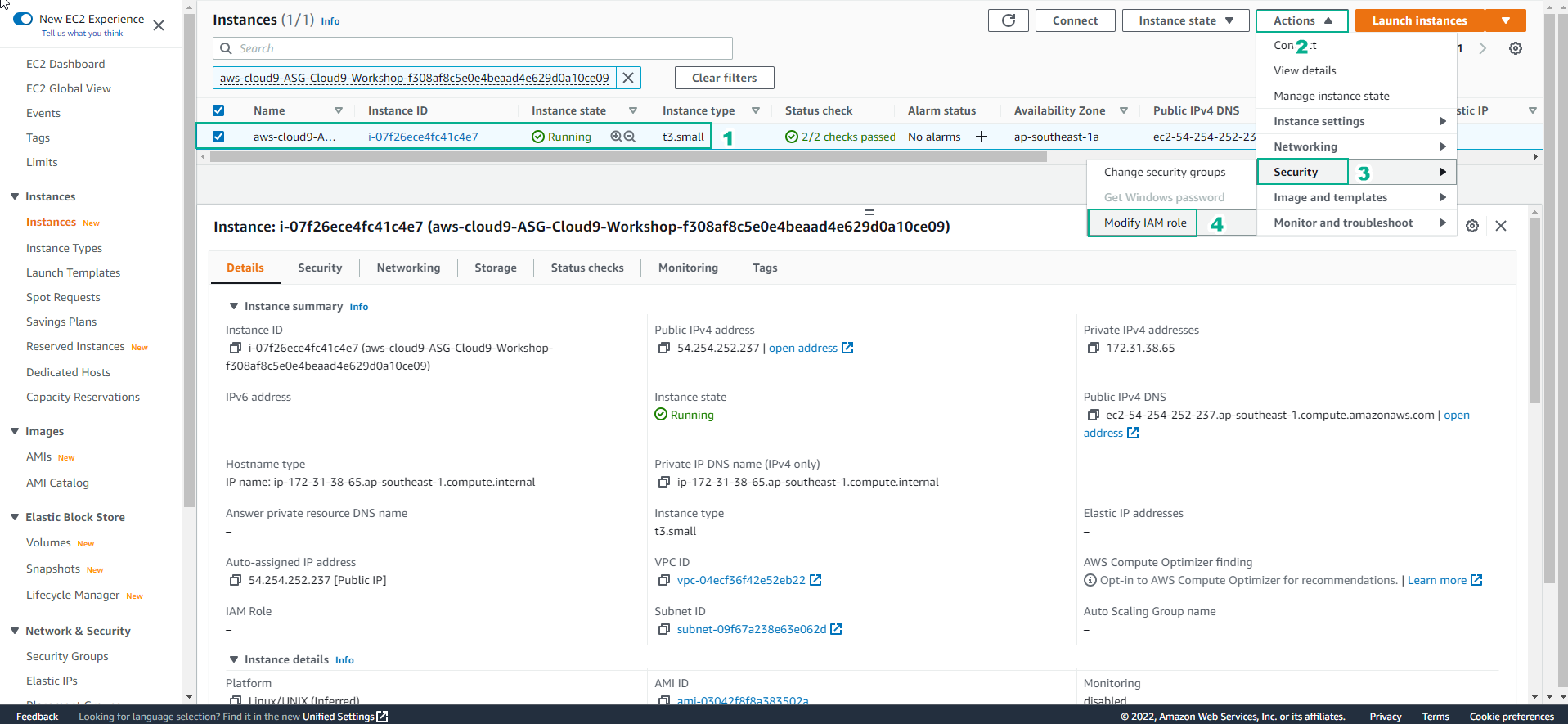
- Check if the CDK CLI is installed by running:
cdk --version
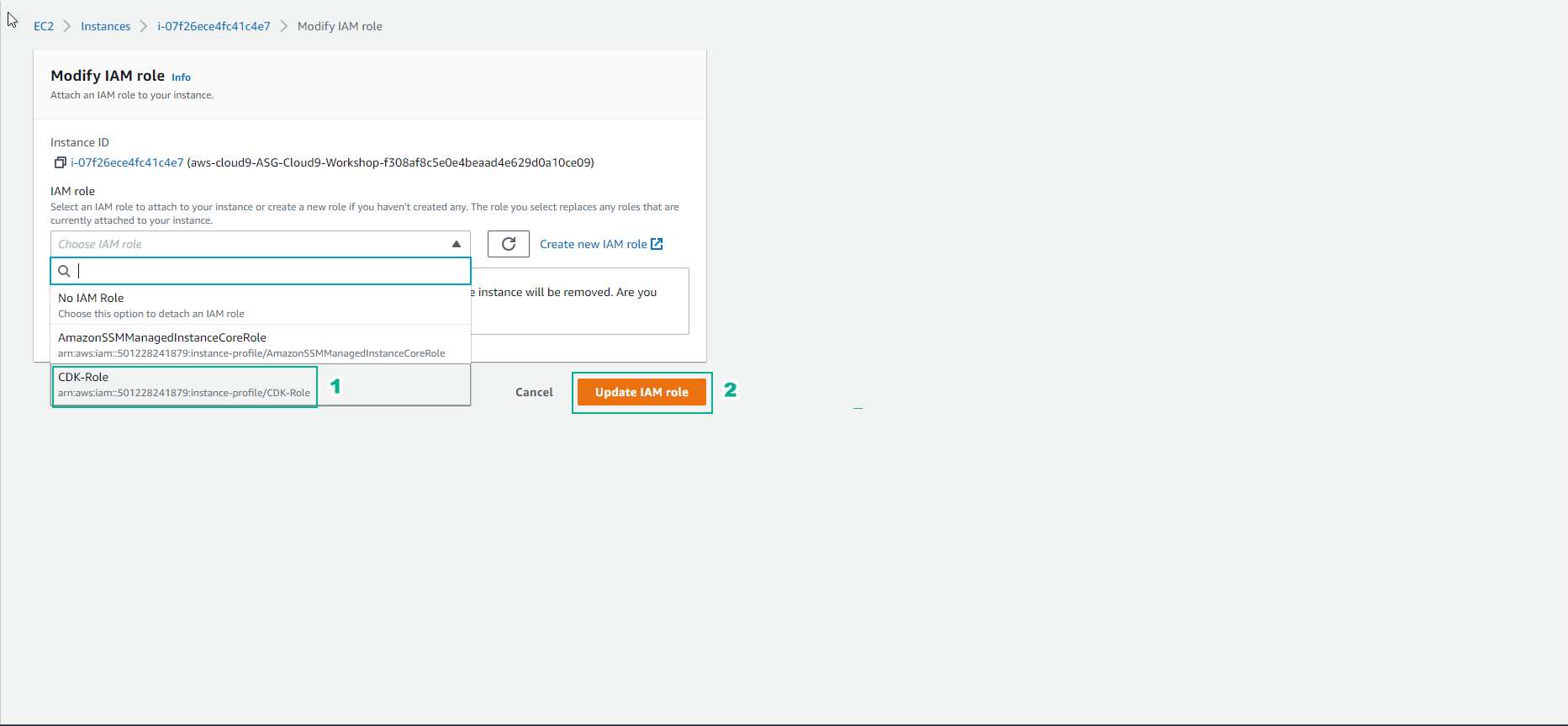
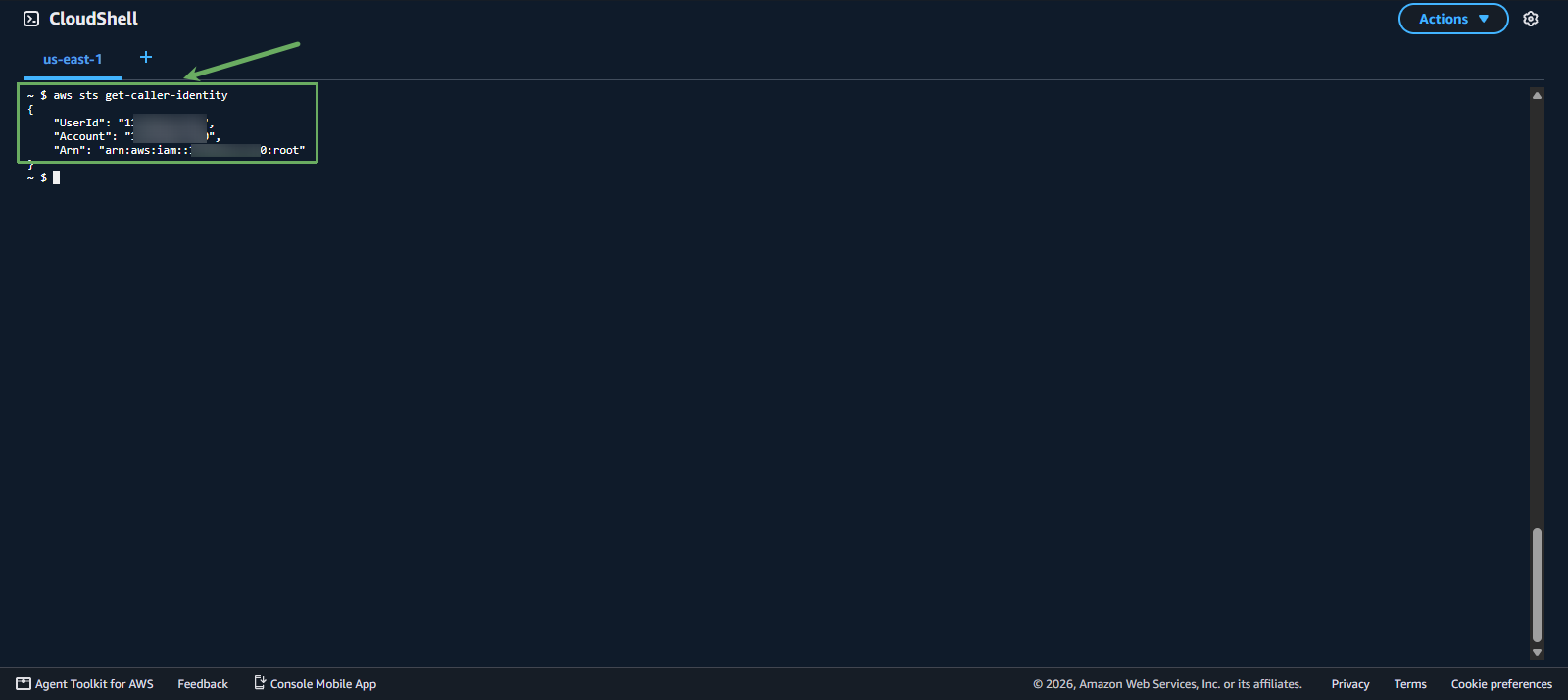
- Check your current IAM identity in CloudShell:
aws sts get-caller-identity