Create CDK Template
Create CDK Template
We will interact with CDK primarily through the AWS CDK Toolkit (the tool installed in the previous section). The AWS CDK Toolkit will run your code, generate a CloudFormation template, and deploy that template. The CDK Toolkit provides users with the ability to deploy, compare, delete, and find errors in a CDK code snippet. Refer to the official AWS documentation on CDK.
In this section, we will try deploying a VPC and corresponding public subnets, using Python in CDK.
- Access the CloudShell environment.
- Create a new directory for the lab
mkdir cdk-workshop
cd cdk-workshop

- Initialize the CDK workspace. In this lab, we will use the
pythonlanguage, but you can completely modify it to TypeScript, JavaScript, Java, or C#.
cdk init app --language python
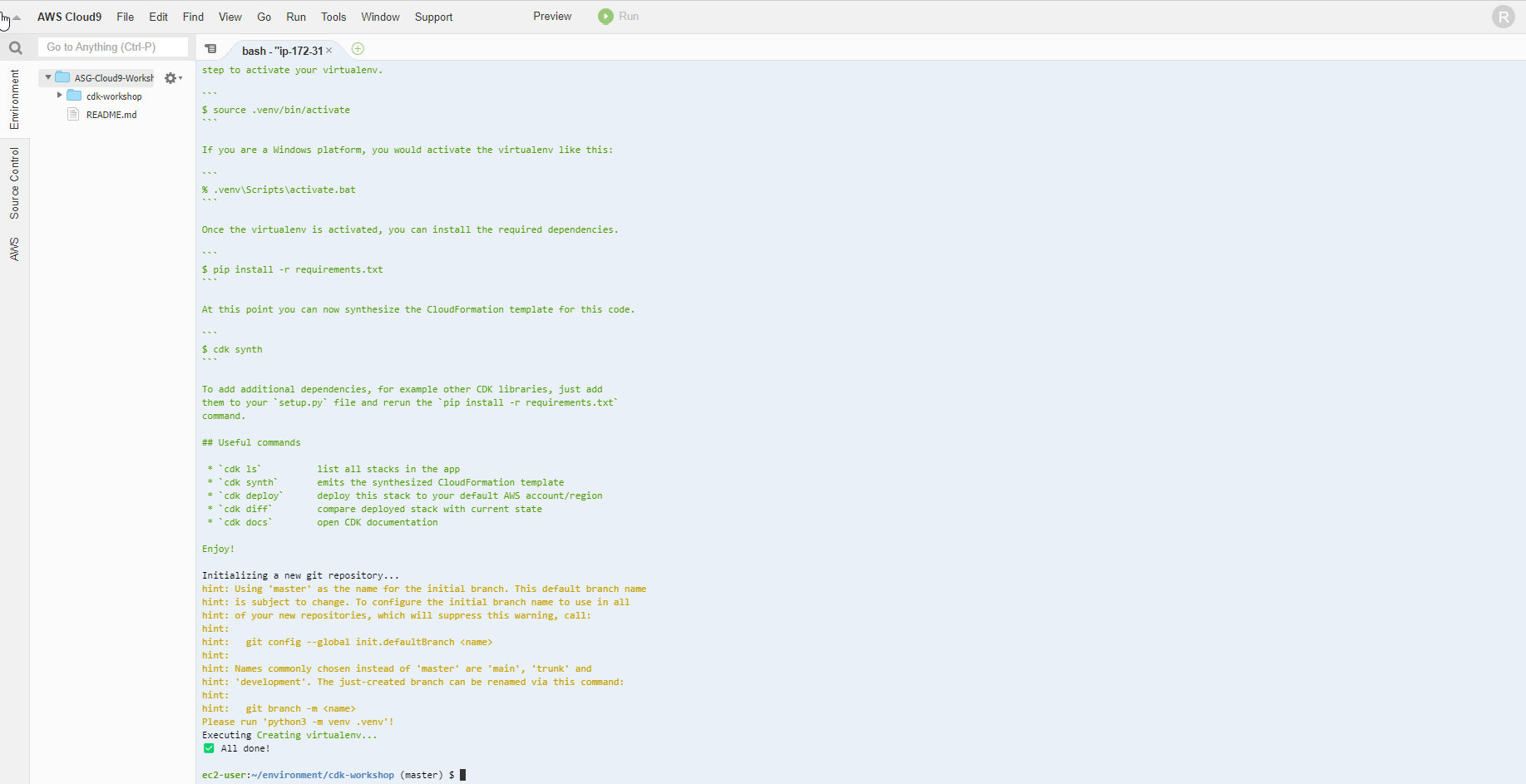
After running, you can take a look at the newly created directory structure. The interface will display the files and directories as follows:
app.py cdk.json cdk_workshop README.md requirements-dev.txt requirements.txt source.bat tests
Where cdk_workshop is a directory. Pay attention to the 2 main files we will work with:
- The
app.pyfile (located in the root directory) - The
cdk_workshop_stack.pyfile (located inside thecdk_workshop/directory)
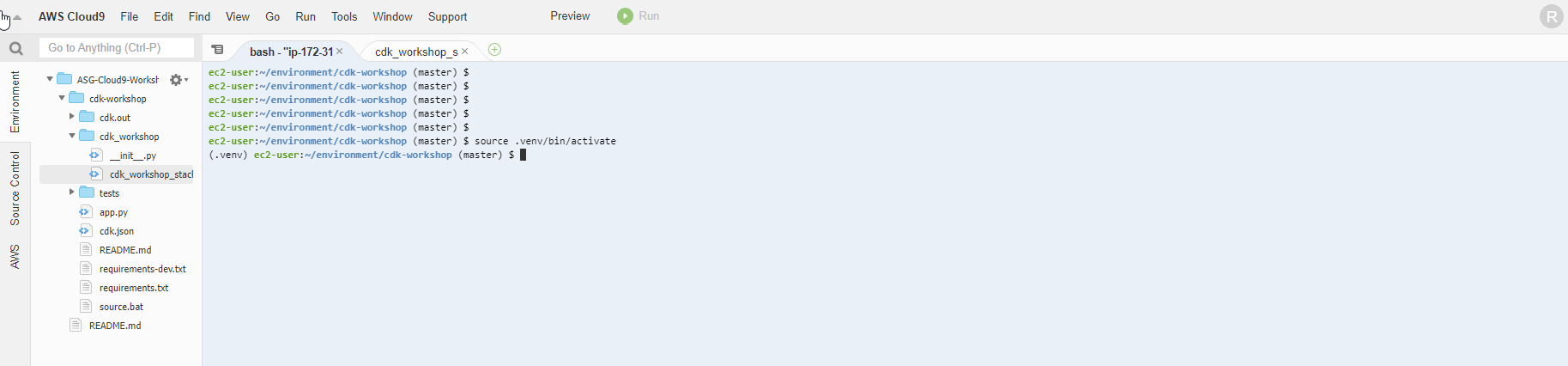
- Activate the virtual environment to avoid errors when running the project.
source .venv/bin/activate
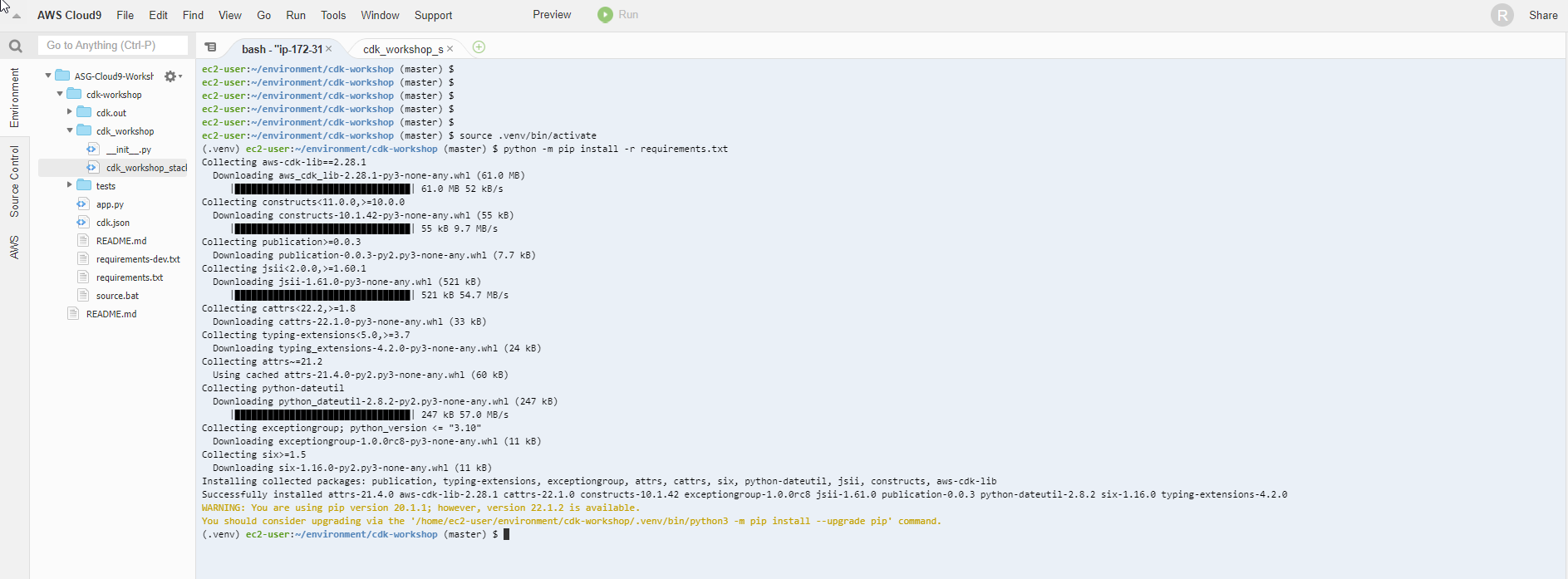
- After activating the environment, we need to install the basic dependencies (in this lab, we install Python dependencies)
python -m pip install -r requirements.txt
- Update the contents of the
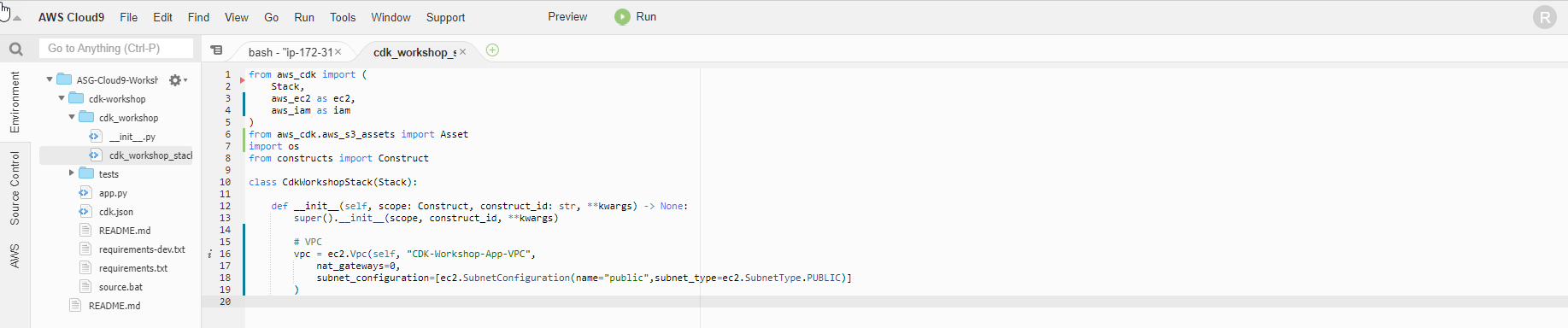
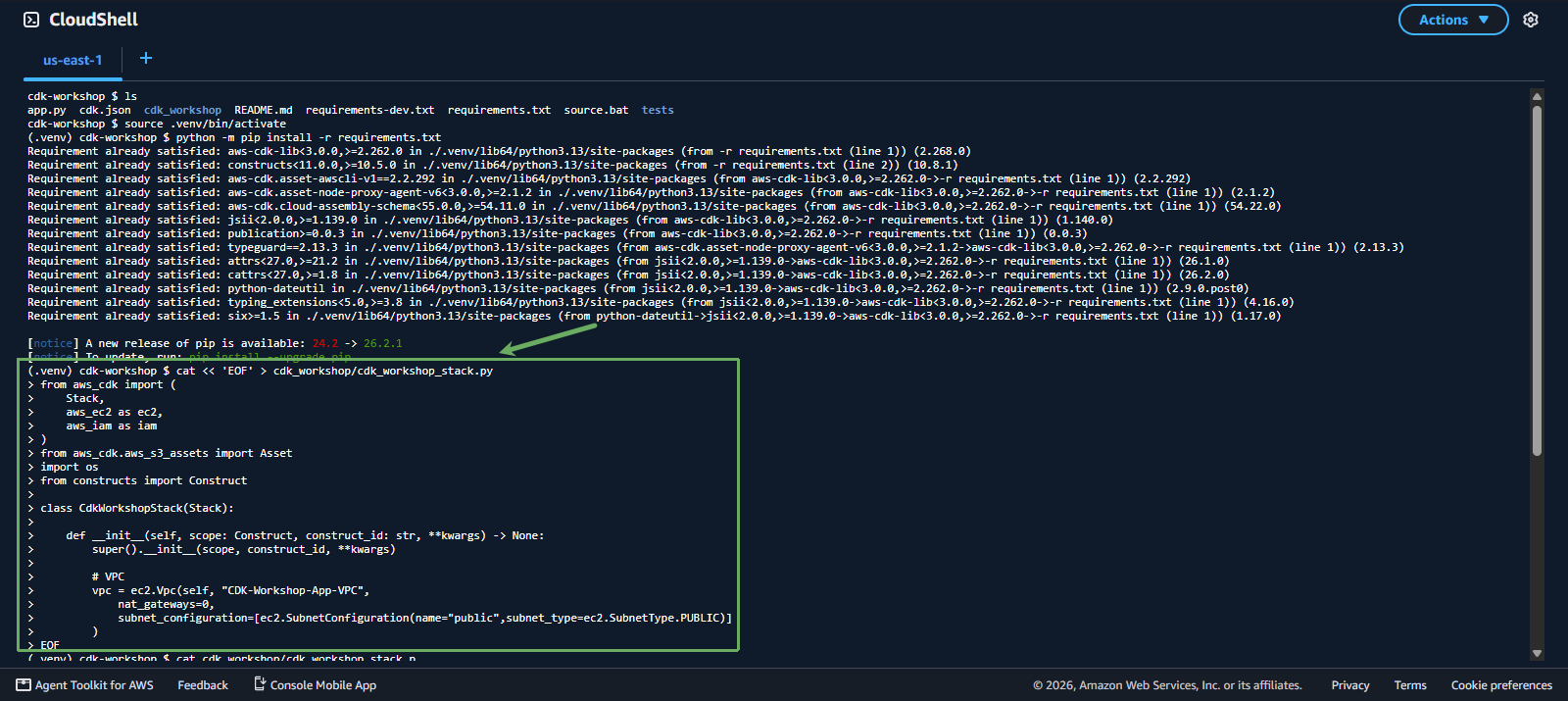
cdk_workshop/cdk_workshop_stack.pyfile to import the necessary libraries and declare a VPC (along with 2 public subnets).
You can copy and paste the code block below into the CloudShell Terminal to automatically overwrite the standard content into the file:
cat << 'EOF' > cdk_workshop/cdk_workshop_stack.py
from aws_cdk import (
    Stack,
    aws_ec2 as ec2,
    aws_iam as iam
)
from aws_cdk.aws_s3_assets import Asset
import os
from constructs import Construct

class CdkWorkshopStack(Stack):

    def __init__(self, scope: Construct, construct_id: str, **kwargs) -> None:
        super().__init__(scope, construct_id, **kwargs)

        # VPC
        vpc = ec2.Vpc(self, "CDK-Workshop-App-VPC",
            nat_gateways=0,
            subnet_configuration=[ec2.SubnetConfiguration(name="public",subnet_type=ec2.SubnetType.PUBLIC)]
        )
EOF
 6. If this is your first time deploying CDK, bootstrap the app by running the following command:
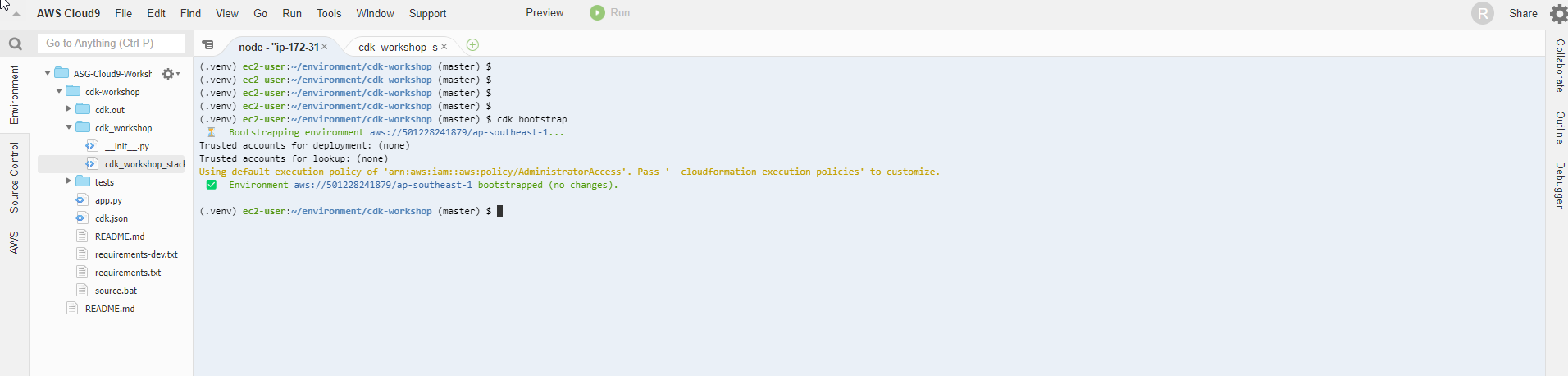
cdk bootstrap

During the first run, we will need to bootstrap the CDK application. This bootstrapping will:
- Create a new CloudFormation stack and a corresponding S3 bucket to store the assets for this stack (such as Lambda function code, CloudFormation template)
- Create the necessary IAM roles for the CDK CLI to deploy resources
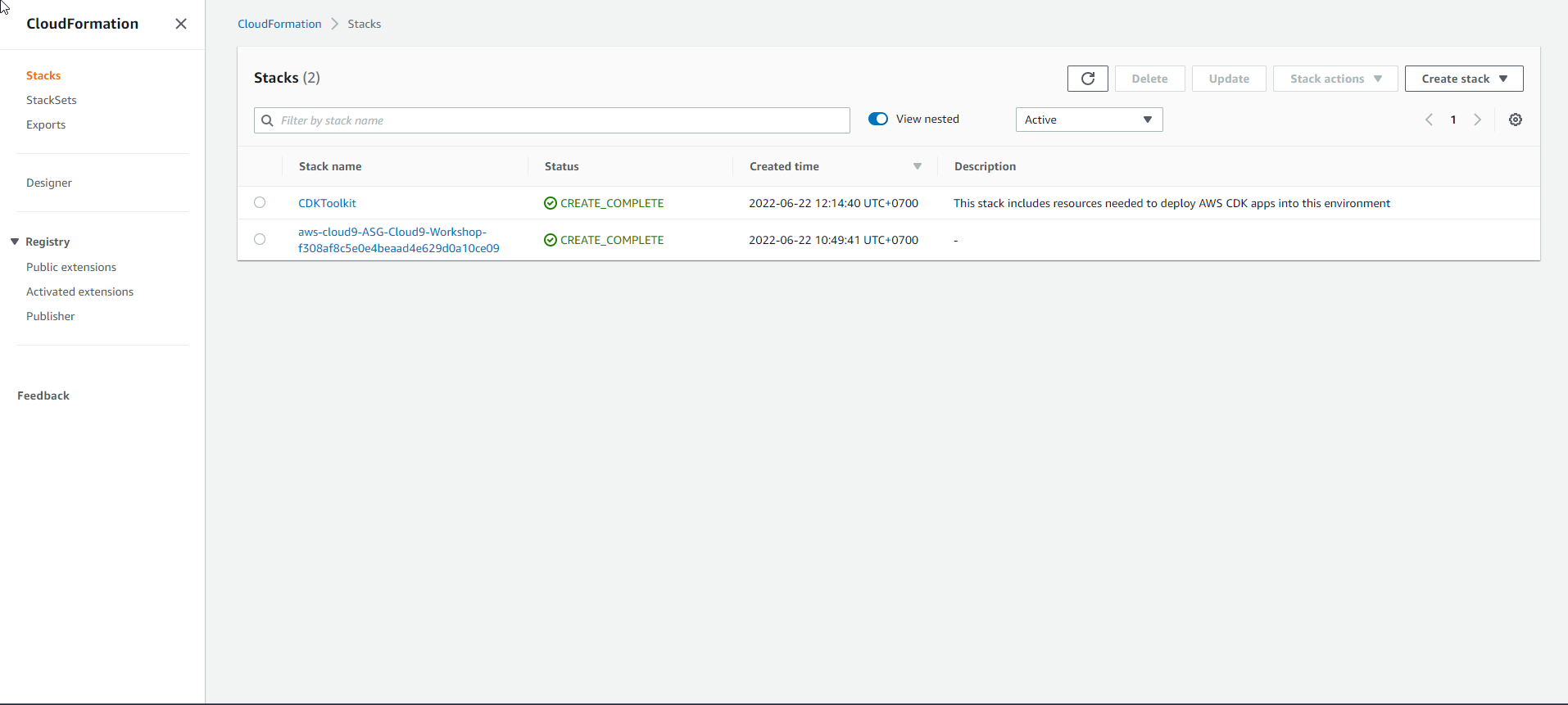
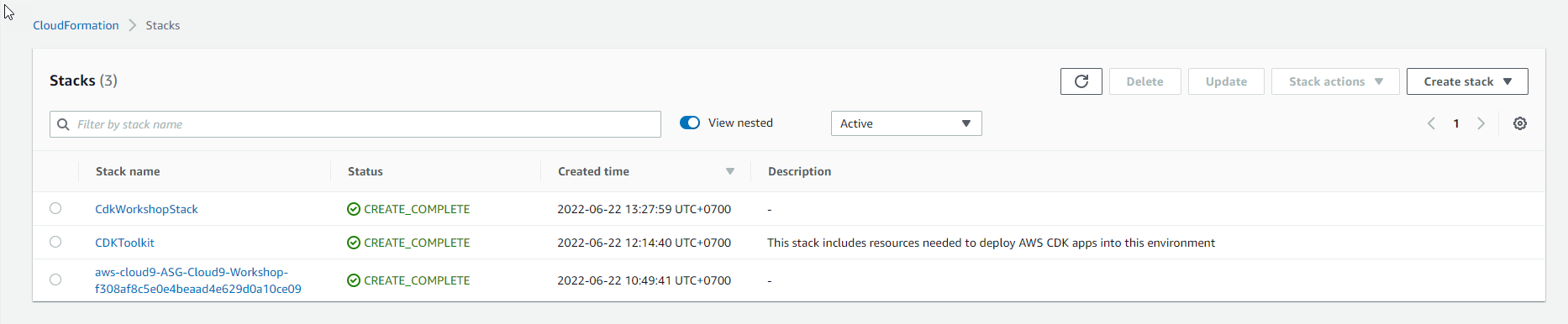
- You can check the CloudFormation stack and S3 bucket that were just created from the bootstrap step.
- Deploy resources:
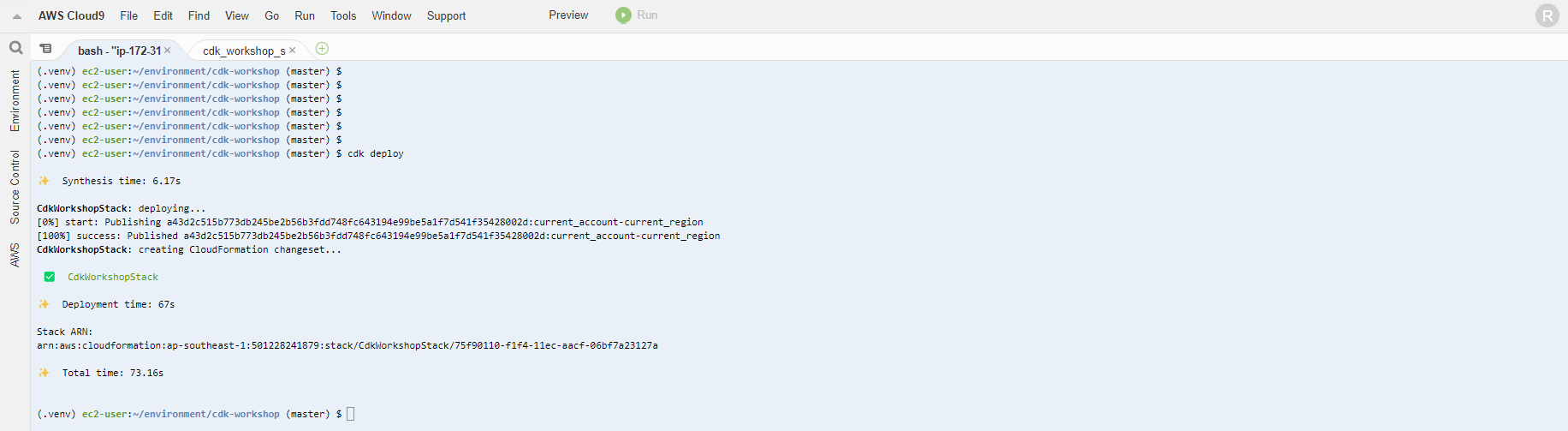
cdk deploy
The above command is equivalent to running cdk deploy --app ./app.py. When run, the code in the app.py file will be called. This code will import resources from cdk_workshop/cdk_workshop_stack.py, and generate the corresponding CloudFormation template in the cdk.out directory. Then, this CloudFormation template will be deployed on AWS.
 - Enter ‘y’ to continue
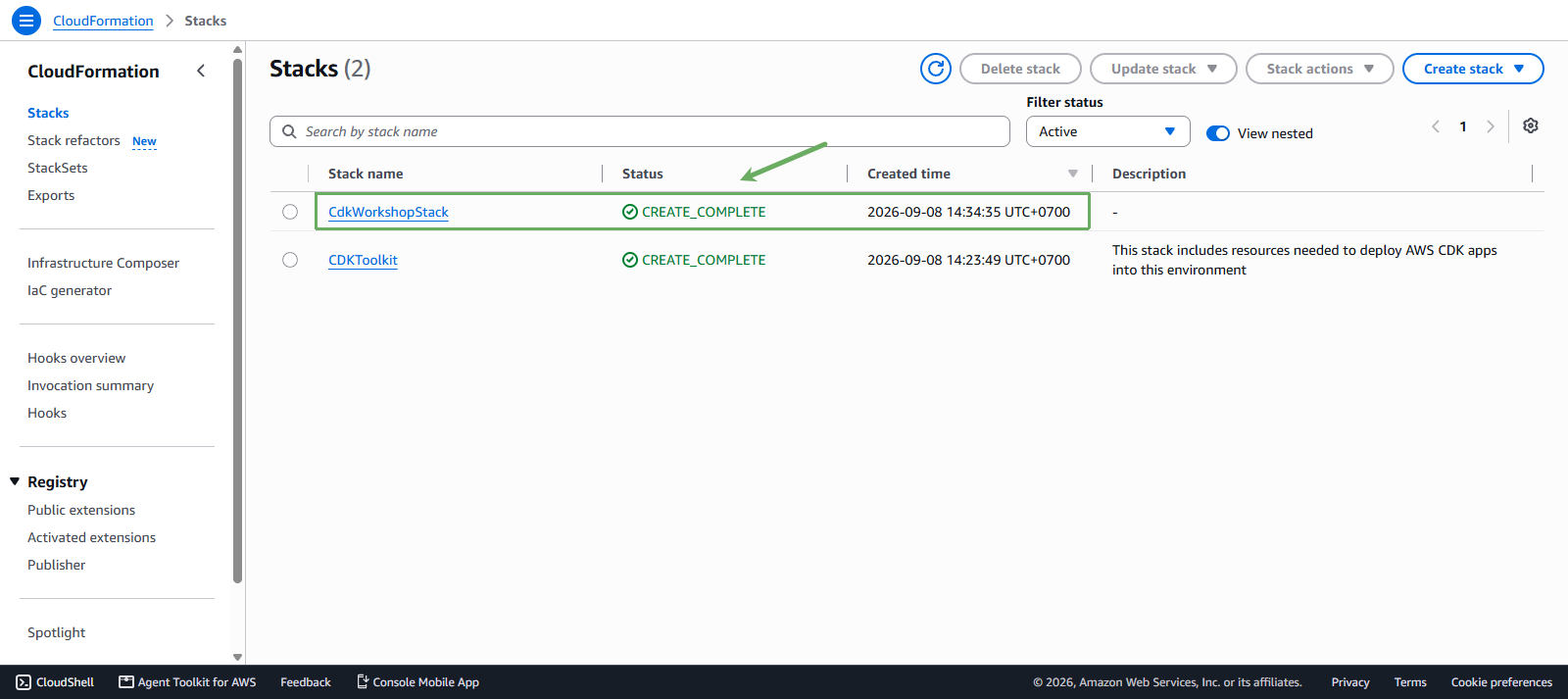
- After the deployment is complete, you will see a new CloudFormation stack created in the CloudFormation dashboard.
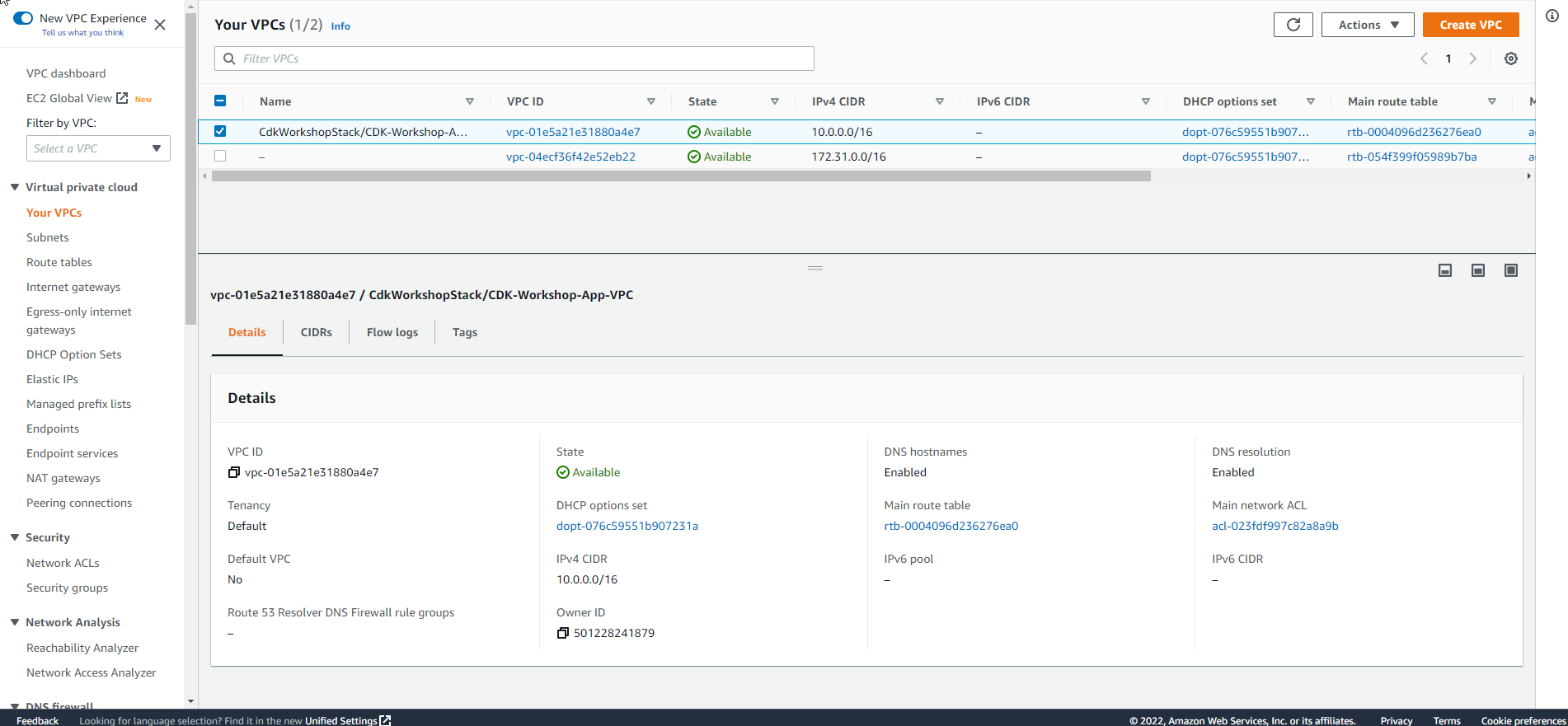
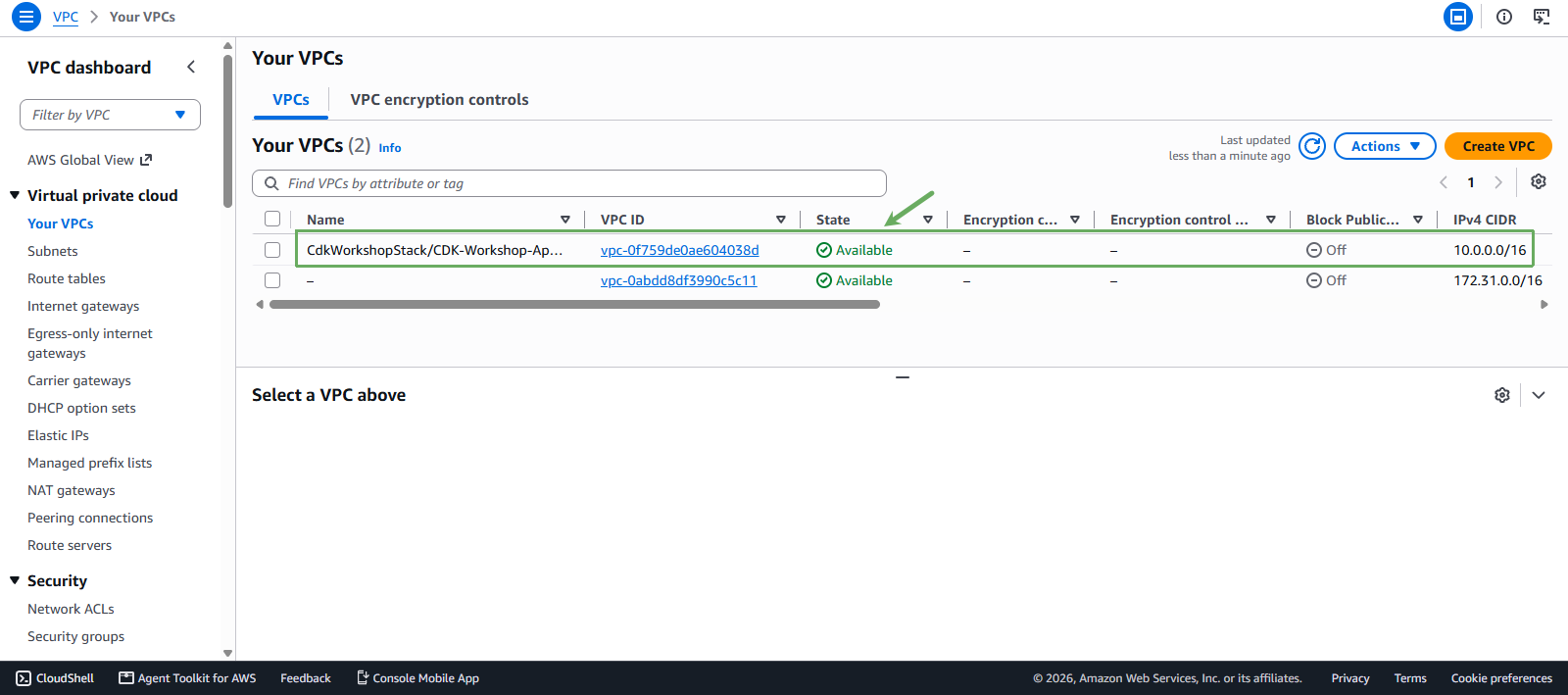
- You can also see the newly created VPC and 2 public subnets in the VPC dashboard.
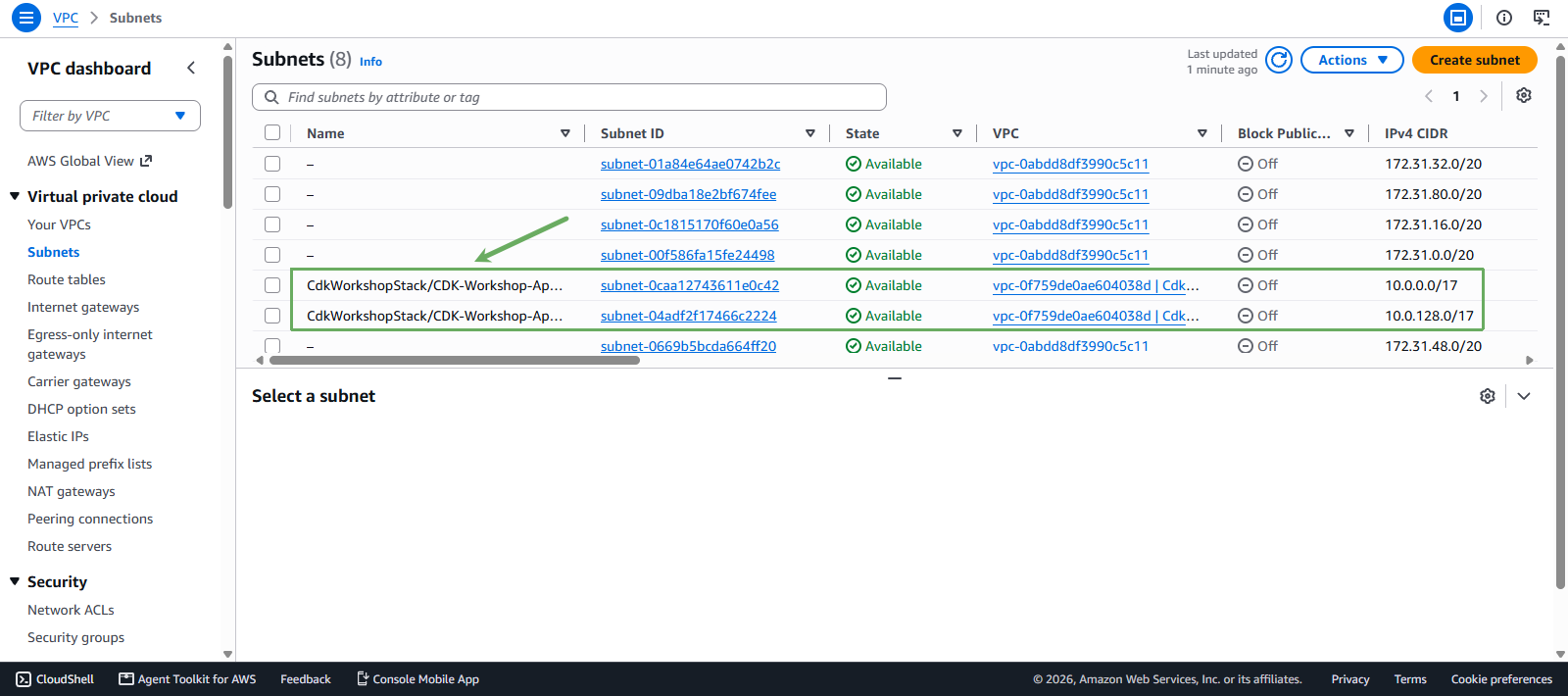
If you have made it this far, congratulations on successfully deploying an AWS resource via CDK!
In the next section, we will use the VPC and subnets we created to deploy an EC2 instance and install an Apache server on it. We will also get familiar with some other CDK features like generating CloudFormation configuration from CDK using cdk synth or checking the ChangeSet using cdk diff.